
How to Turn Travel Photos into Cinematic Video Stories
Contents
After years of traveling and blogging, I have accumulated an almost ridiculous number of photographs.
They are everywhere.
On my phone. On memory cards. On hard drives. In cloud storage. Inside folders with names I can barely remember.
And every time I look at them, I realize how much of my life as a traveler is actually sitting inside those photographs.
My recent trips to Coron and Siargao are good examples.
I came home with so many photographs—from beautiful seascapes and sunsets to little moments along the way. There were boats, beaches, food, people, streets, textures, colors, and those random photographs that somehow capture the feeling of being there.
But here’s the problem:
Most of those photographs will probably just sit there.
They will continue eating up storage space, waiting for me to open the folders again.
And perhaps that’s why I’ve become increasingly interested in turning travel photographs into short cinematic video stories.
Not because I want to become a filmmaker.
But because sometimes, a photograph deserves to move.

I Don’t Want to Flood My Social Media With Photos
As a travel blogger, I’ve always loved taking photographs.
It’s almost automatic.
I see something interesting—I take a photo.
Beautiful food—I take a photo.
Interesting architecture—I take a photo.
Sunset—I take several!
And when I come home, the temptation is to share everything.
But social media has changed the way we consume travel stories.
Sometimes, I don’t want to post 20 or 30 static photographs from the same trip. Even if every photograph is good, too many similar images can make a feed feel repetitive.
That’s when I started thinking:
What if I put the photographs together instead?
What if the sunset from Coron, the boat ride, the food, the little details, and the people I encountered could become one short story?
Suddenly, I wasn’t just posting photographs.
I was creating an experience.
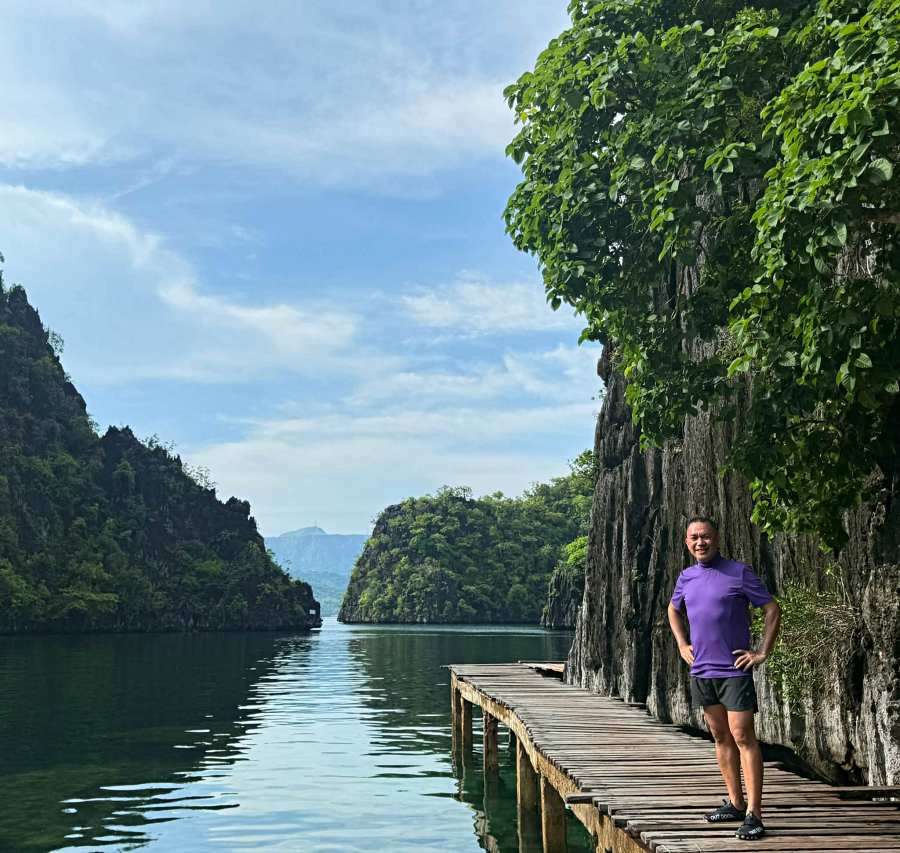
Coron Is More Than a Collection of Beautiful Photos
Take my recent trip to Coron.
Of course, there are the obvious photographs—the turquoise water, islands, boats, dramatic landscapes and those postcard-perfect views that practically take their own pictures.
But when I look back at my Coron photos, I realize that the story isn’t just about beautiful scenery.
There are photographs of the journey.
The anticipation.
The details.
The food.
The people.
The little moments between destinations.
If I put these photographs together with the right music and subtle movement, Coron becomes more than a collection of pretty pictures.
It becomes a memory that moves.
And that’s the difference.
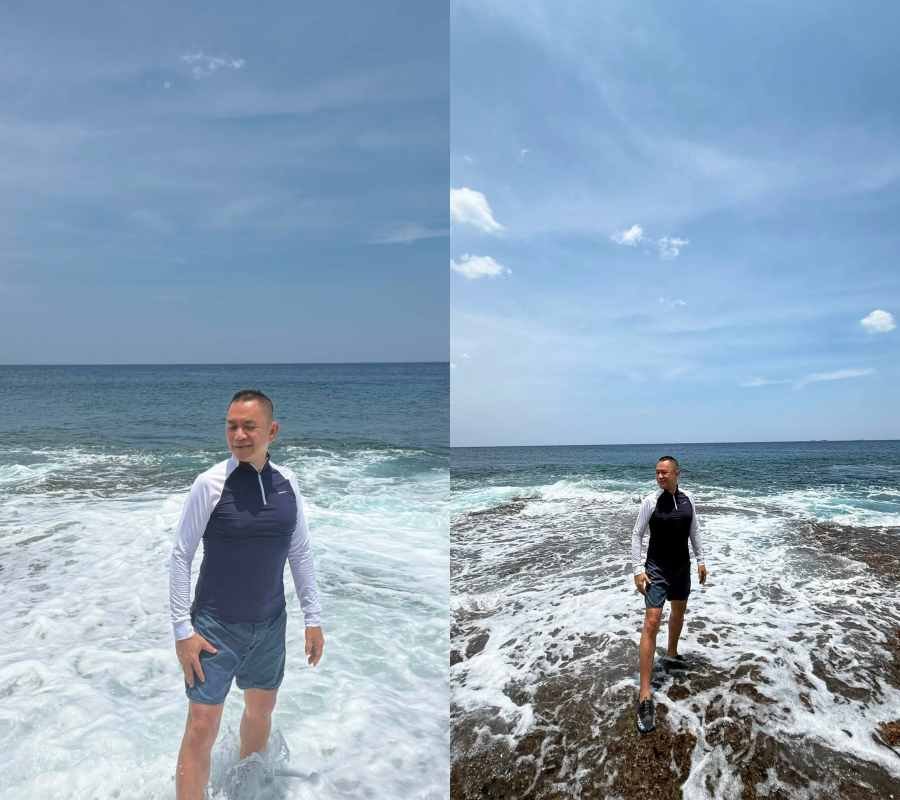
Then There’s Siargao
My Siargao photographs tell a different story.
There is a different rhythm to the place.
The island atmosphere.
The roads.
The greenery.
The sea.
The cafés.
The food.
The people.
The slower moments.
When I look at the photographs individually, they are simply photographs.
But when I arrange them in sequence, something else happens.
A road can lead to the beach.
The beach can lead to a meal.
The meal can lead to an afternoon scene.
And suddenly, the viewer feels as if they are traveling with me.
That’s what I want my travel videos to do.
Not simply show where I went, but make people feel that they came along.

And Then There Are My Food Adventures
Travel, for me, has never been just about destinations.
Food is a huge part of the experience.
And I don’t have to fly to Coron or Siargao to collect stories.
Sometimes, my camera is busy right here in the city.
A new restaurant.
A hole-in-the-wall discovery.
A beautifully plated dessert.
A local delicacy.
A simple meal that unexpectedly turns out to be memorable.
I’ve taken countless food photographs over the years.
Some were planned.
Others were simply moments when I happened to see something interesting on the table.
But imagine putting those photographs together.
The entrance to the restaurant.
The dining space.
The food arriving.
A close-up of the dish.
The first bite.
The people around the table.
The little details.
Suddenly, an ordinary eating escapade becomes a mini food story.
And honestly, I think that’s more exciting than simply posting a photograph of a plate with the caption, “Dinner tonight.”
Your Photos Don’t Have to Be Perfect
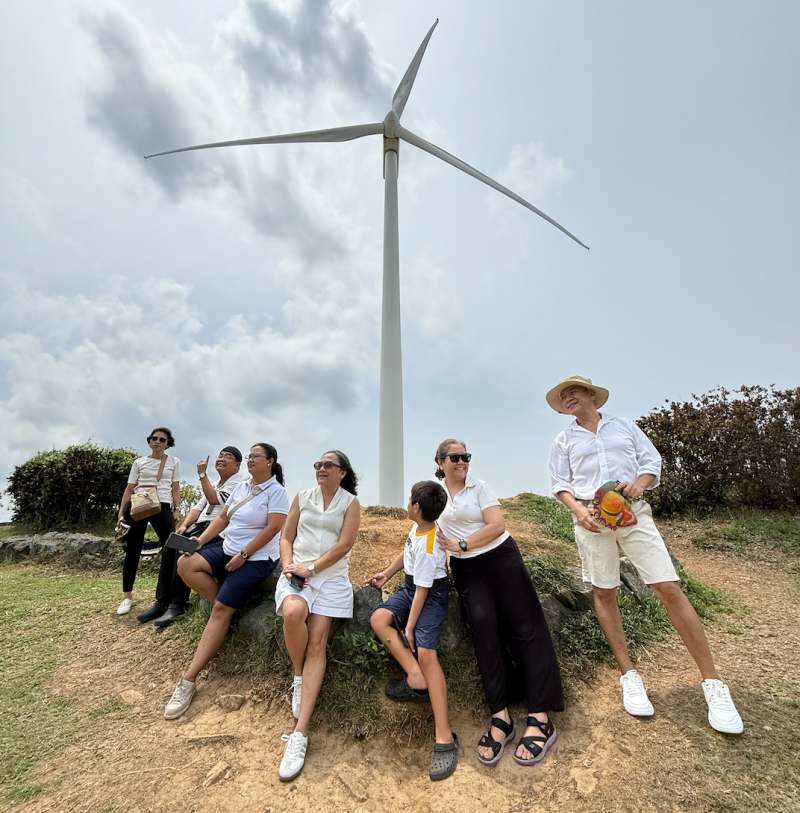
One thing I’ve learned through blogging is that storytelling doesn’t always require perfect photographs.
Sometimes, the slightly imperfect photo is the one that carries the memory.
Maybe the lighting wasn’t ideal.
Maybe the composition wasn’t perfect.
Maybe someone walked into the frame.
But if the photograph captures a feeling, I keep it.
Because a travel story isn’t a photography competition.
It’s a memory.

How I Build a Cinematic Travel Story
When I start putting photographs together, I don’t simply arrange them according to the date they were taken.
I think about the story.
I might begin with an establishing photograph—the place itself.
Then I bring the viewer closer.
A street.
A boat.
A person.
A meal.
A detail.
A landscape.
A smile.
A sunset.
The photographs begin to create a rhythm.
And then I add music.
Music can completely change the personality of a travel story.
The right soundtrack can make a collection of photographs feel adventurous, peaceful, nostalgic, romantic, or simply fun.
Then comes movement.
A gentle zoom.
A slow pan.
A subtle transition.
Nothing too dramatic.
I don’t want the effects to compete with the photographs.
I simply want to give the still images a little life.

Sometimes Less Is More
I’ve also learned that I don’t need to use everything.
This is probably one of the hardest things for a travel blogger to accept.
You took 300 photographs.
You want to show all 300.
But you shouldn’t.
Choose the photographs that matter.
Choose the ones that move the story forward.
Choose the ones that make you feel something.
Sometimes, 15 photographs can tell a better story than 150.
The goal isn’t to show everything.
The goal is to make people want to see more.
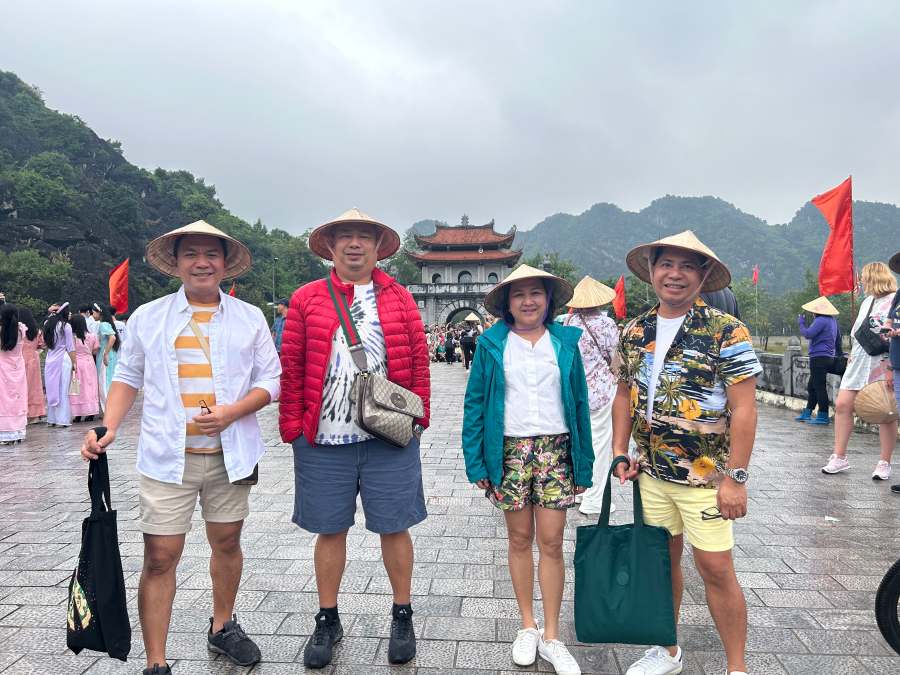
Your Camera Roll Is Actually a Travel Archive
When I think about it, my phone is more than just a device.
It’s become my personal travel archive.
Inside it are pieces of places I’ve visited, restaurants I’ve discovered, people I’ve met, and moments I didn’t want to forget.
Some of those photographs have already appeared on my blog or social media.
Many haven’t.
And that’s okay.
Because they can have another life.
A photograph from Coron can become part of a cinematic travel reel.
A Siargao sunset can become the closing scene of a story.
A series of food photographs from around the city can become a mini food adventure.
A forgotten photograph from years ago can suddenly become relevant again.

From Photos to Memories in Motion
After years of travel blogging, I’ve realized that I don’t really collect photographs.
I collect memories.
The photographs are simply how I keep them.
And perhaps that’s why I find the idea of turning photographs into video stories so exciting.
It gives those memories another life.
Instead of allowing thousands of photographs to quietly occupy space in my devices, I can bring some of them together and make them move.
A destination becomes a journey.
A meal becomes an experience.
A sunset becomes a feeling.
A collection of photographs becomes a story.
So the next time you scroll through your old travel photos and realize you have hundreds—or thousands—just sitting there, don’t think of them as digital clutter.
Look at them differently.
Maybe there’s a story hiding inside.
Maybe your Coron is waiting to move.
Maybe your Siargao deserves another life.
Maybe those countless food adventures around the city can become your next little cinematic story.
And maybe, like me, you’ll discover that you don’t always need to take another trip to create new travel content.
Sometimes, you just need to look back at where you’ve already been.
Your best travel story may already be sitting inside your camera roll.
It just needs to move.
More Stories
- Bacolod Tourism Beyond MassKara: Visitors or Just More Events?
- Cyma Greenbelt Makati: A Greek Dinner After Decades
- Digital Tourism: Before the Vacation Begins in Negros Occidental
- Sustainable Destination Management: Why Tourism Should Benefit Communities as Much as Visitors
- Sustainable Tourism Operations: Why Managing Growth Matters More Than Attracting Tourists
- Bacolod Food Tourism: Beyond UNESCO Recognition
- Sustainable Tourism in the Philippines: Lessons from Coron and Beyond
- PLAZA DE MASSKARA AT THE UPPER EAST
